Help and guides › Get started
Install the app
Put Fair Witness on your Home Screen or desktop. It opens full screen, like any app, and keeps you signed in.
The steps
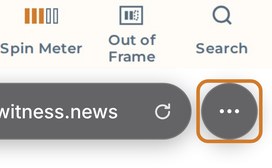
- Open fairwitness.news in Safari and tap the three dots (•••) beside the address bar.
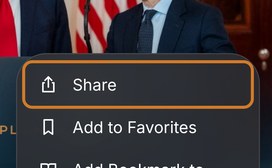
- Tap Share. (Top or Bottom layout: Share is already in the toolbar.)
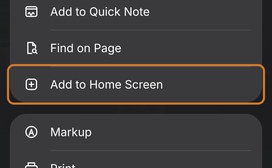
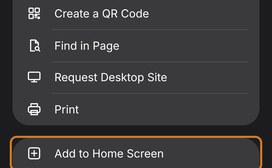
- Scroll down and tap Add to Home Screen.
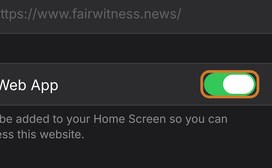
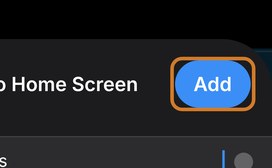
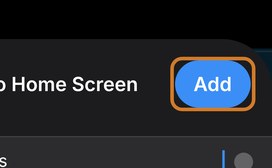
- Leave Open as Web App on, then tap Add.
The steps
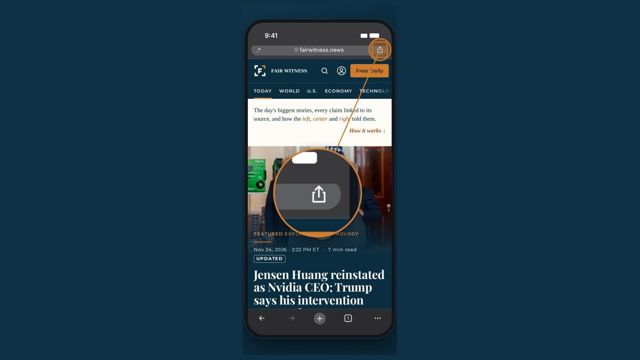
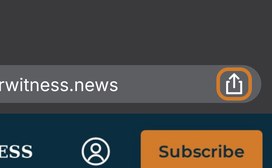
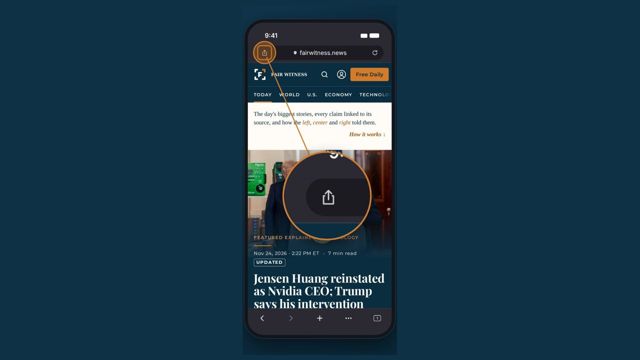
- Tap Share at the right end of the address bar.
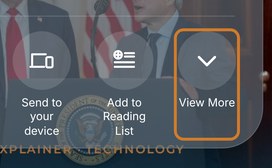
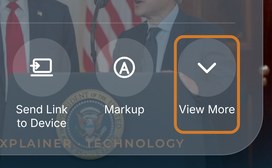
- Tap View More.
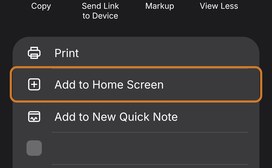
- Tap Add to Home Screen.
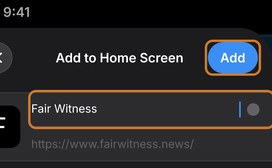
- Leave Open as Web App on, then tap Add.
The steps
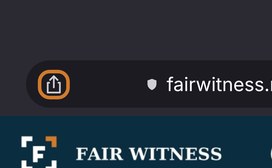
- Tap Share at the left end of the address bar.
- Tap View More.
- Tap Add to Home Screen.
- Rename it Fair Witness, then tap Add.
The steps
- Tap the three dots (⋮) at the top right.
- Tap Install and create shortcut.
- Tap Install.
- Tap Install again to confirm.
The steps
- Tap the menu (⋮) at the bottom right.
- Tap More.
- Tap Add to Home screen.
- Tap Add (or Add automatically).
The steps
- Chrome: click the install icon at the right end of the address bar.
- Click Install.
- Edge: click App available in the address bar, then Install.
After you add it
Open Fair Witness from your Home Screen and sign in once with the code we email you.
Still stuck? We read every message.
Contact us